Choose a clear subject
A well-lit pet portrait, flower or personal object works best. For try-on, keep the selected skin area visible.
YOUR MEMORY, A NEW FORM
Keep the subject. Change the style. Start with a photo you love.
Upload a pet, a flower or a keepsake.
For try-on, use a clear photo of the skin area.
A visual reference for your artist. AI details may need redrawing.
ONE PHOTO, THREE DIRECTIONS
These designs were generated from this photo using the same model as the tool.
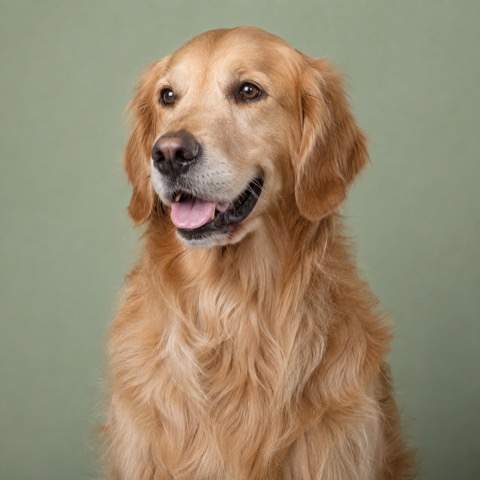
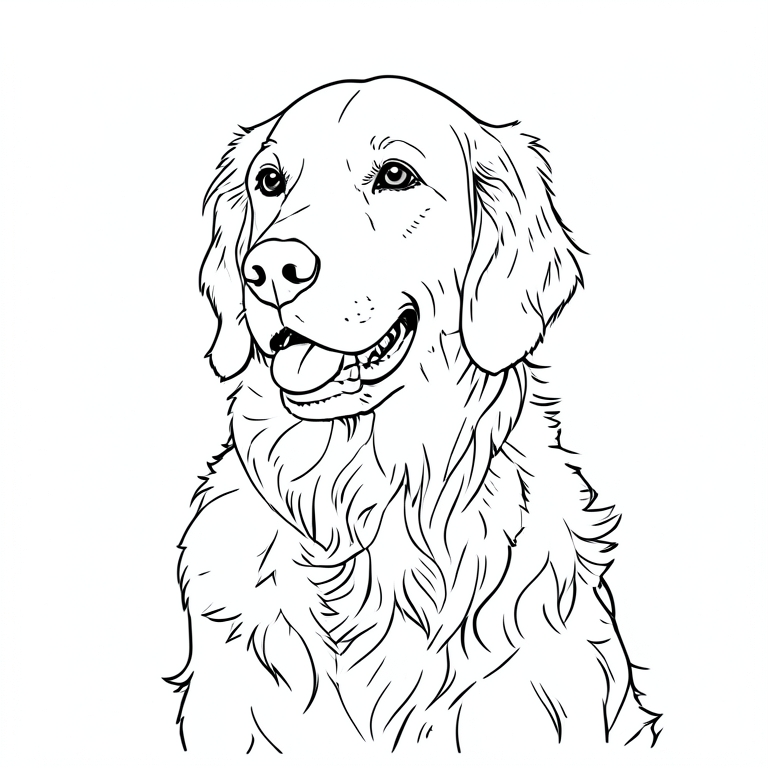
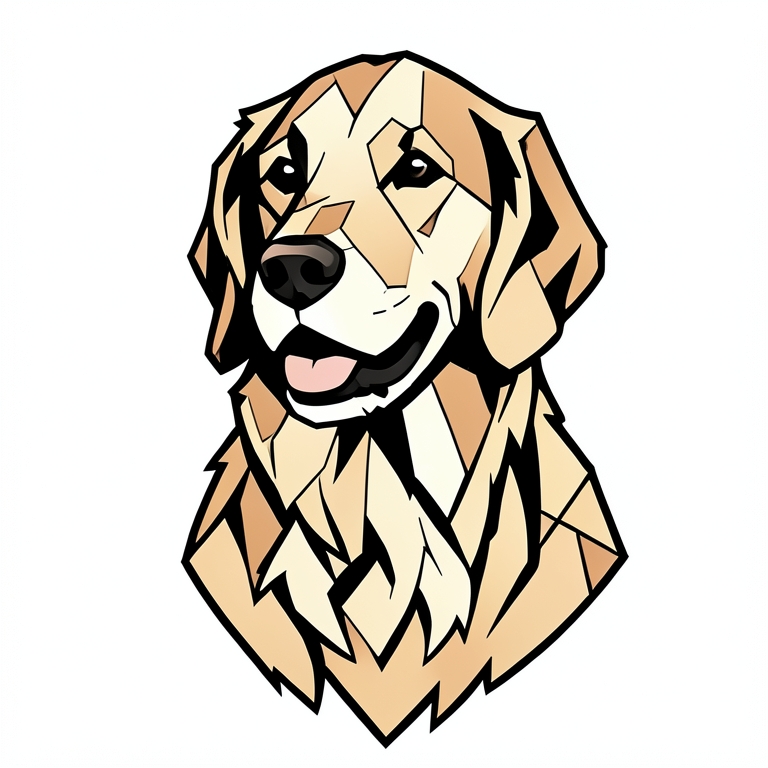
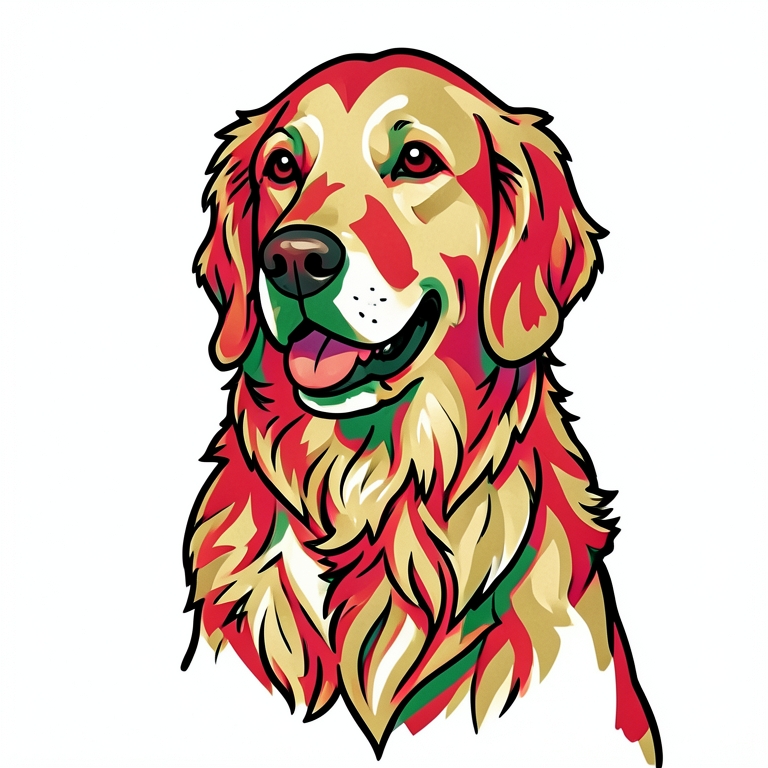
A well-lit pet portrait, flower or personal object works best. For try-on, keep the selected skin area visible.
Photo to design redraws the subject on white. Try on skin adds an original concept to your body photo.
Download your image. Generate a second style and compare it with the first before talking to an artist.
No. FLUX.2 Klein uses your photo as an image reference and generates a new image. The subject can change, so check distinctive features in the result.
Yes. Choose Photo to design, upload a sharp portrait, and describe details that should remain recognizable. Try fine line for a light outline or geometric for a stronger silhouette.
Two generation attempts per connection each UTC day, with 50 total attempts available daily. Failed model requests also use a slot. No payment or account is needed.
Use it as a planning reference. A tattoo artist should review line spacing, anatomy, placement and how the design will age before turning it into a stencil.
The photo is resized in your browser and sent to Cloudflare AI only when you generate. This website does not store the uploaded photo or result. They remain in this page until you leave or download them.